Why is my website not converting? Separate two problems first
When enquiries go flat, the advice arrives fast. A designer says the site looks dated. A developer says it’s slow. Your ads agency wants a bigger budget. Each is a guess about the cause, and each happens to be what that person sells.
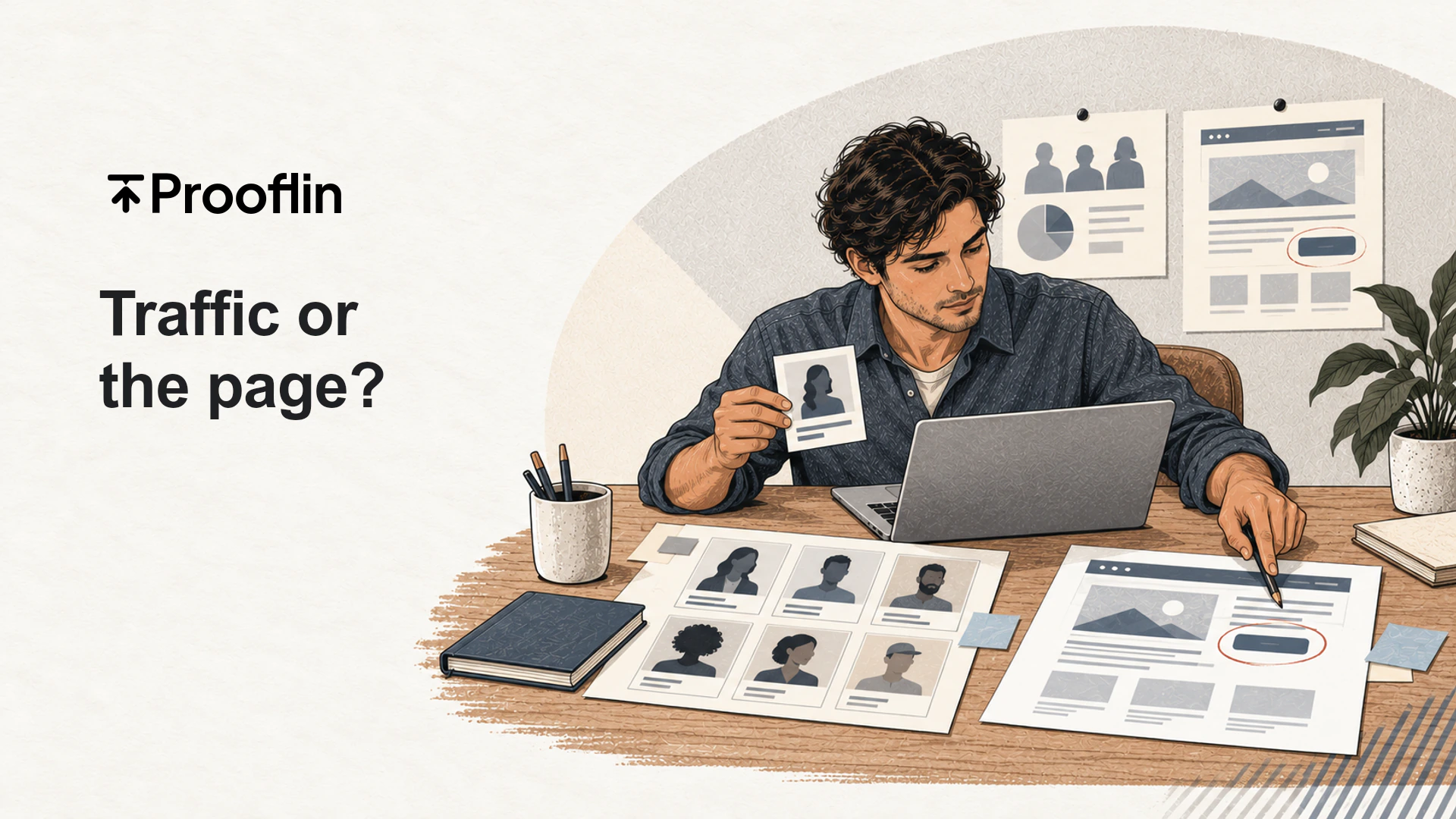
That makes them unproven, not wrong. Before you spend on any of them, decide which of two buckets you’re mostly in:
- A traffic problem: the people arriving were never likely to book. They’re outside your service area, they wanted free information, or their search had little to do with what you sell.
- A page problem: the right people arrived, and the page didn’t give them a clear reason or a clear way to take the next step.
The fixes barely overlap. A redesign can’t fix a traffic problem, and more traffic only makes a page problem more expensive. Most sites have some of both, so the useful question is narrower: which problem is bigger, and which half deserves the next dollar?
Check whether the right people are arriving
This half needs your own data; nobody can answer it by reading your pages. Open your analytics (GA4, if that’s what you use) and Google Search Console, and look at three things.
- Where visits land. If most sessions start on an old blog post or a careers page, your visit count is mostly people who were never shopping. A physio clinic whose busiest page is a free stretching guide can have healthy traffic and almost nobody looking for an appointment.
- What people searched. Queries that include a place, a service or words like cost, near me or appointment usually come from someone shopping. DIY queries usually don’t. Search Console covers only Google and hides rare queries, so treat it as a sample.
- Where visitors are. A roofer working within 40 miles of one town gets nothing from visitors three states away.
Then redo the arithmetic on the visits that matter. Say a clinic records 3,000 visits a month and 15 enquiries. Against all visits that’s 0.5%, which looks like a broken site. If only 600 visits reached a service, pricing or contact page, the same 15 enquiries are 2.5% of the people plausibly shopping. Neither number is good or bad on its own. But the first sends you after better traffic, and the second sends you to study what those 600 people saw.
If the right people aren’t arriving, stop here: that’s a targeting job for search, content or ads. If they are arriving and still not acting, look at the page. And count every enquiry before you decide; a business whose customers mostly phone can look dead if you only count forms.
Five website conversion problems that live on the page
Everyone can see the page, so everyone has an opinion about it. Make each suspect specific enough to check: what you’d see, what would confirm it, and what only your analytics could tell you.
The cases below come from Prooflin’s sample Website Audit for Nova Dental Studio, a fictional clinic on an .example domain. They aren’t measured results, just page-level causes written down with evidence.
The offer isn’t clear on the first screen
You’d see a headline that names the business but not the service, the place or who it’s for. Nova’s homepage opens with “Welcome to Nova Dental Studio”, and the first treatment names don’t appear until the third main section. It’s confirmed when someone who doesn’t know the business reads the top of the page for five seconds and can’t say what you do or where. Opening messages get fuller treatment in what a homepage audit should tell you.
The main action is hard to find
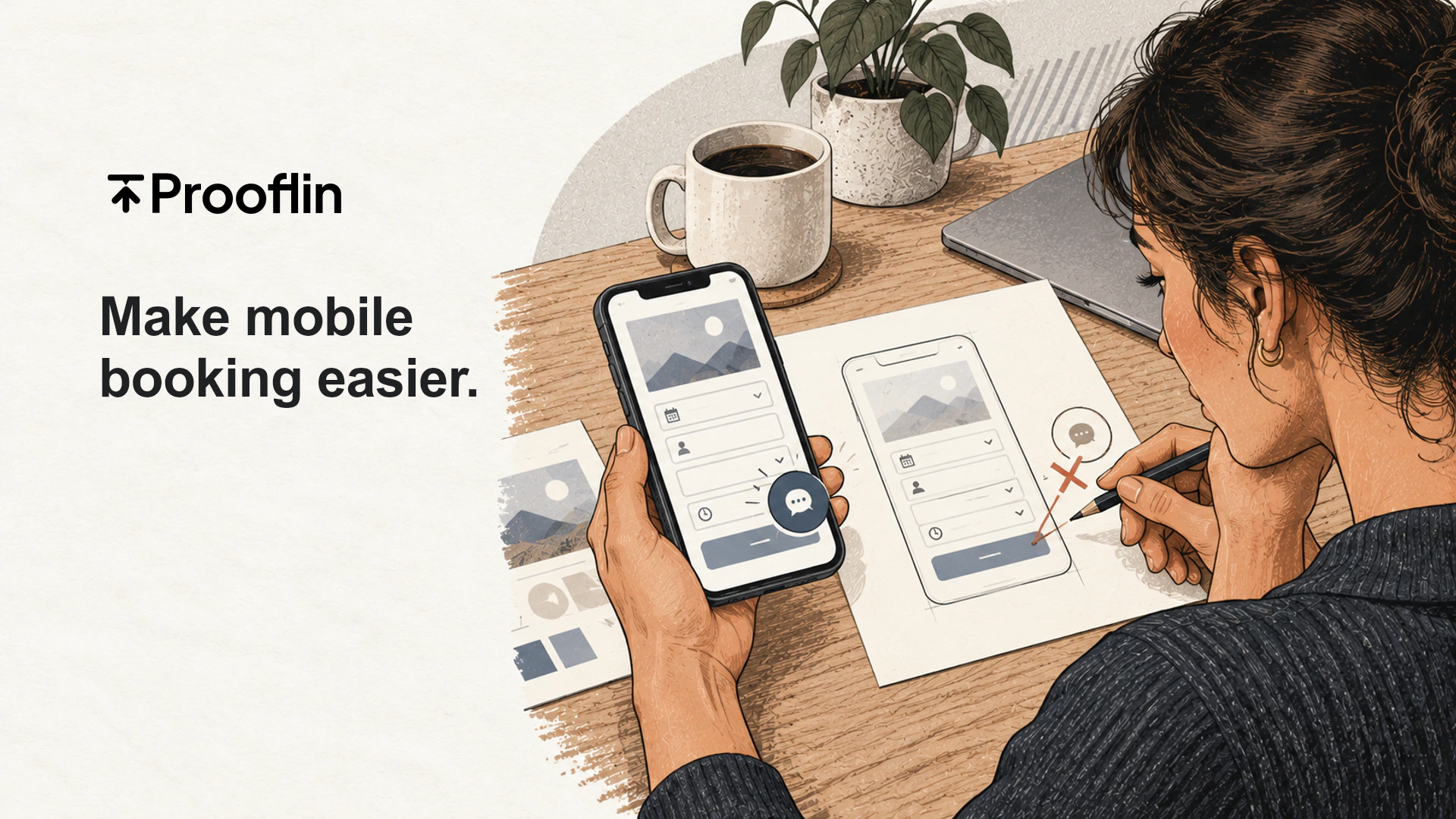
Pick the one action you most want (book, call, request a quote) and note where it first appears at desktop and phone width. Often the header button shows on a laptop and vanishes on a phone. The Nova sample records exactly that: the first visible “Book an Appointment” link sits below the first phone screen. Phone-specific causes get their own post on mobile usability issues that stop phone visitors from booking.
The contact or booking path asks for too much, too early
Problems hide here because the team rarely goes through its own contact page. Two patterns are common: one long route that treats a quick question and a firm booking alike, and labels that don’t say what kind of request this is or what happens next.
Nova’s sample flags the second in a finding titled Contact has no clearly labelled booking entry. The page lists a phone number, an enquiry form and an appointment-request panel, but no “Book an Appointment” link to match the homepage button, so it never separates a general message from an appointment request. The fix it recommends travels well: say “Request an appointment” when staff confirm by reply, and “Book an appointment” only when the link really books a slot.
To confirm it, follow every route to an enquiry yourself, on a phone and a laptop, and note what each asks for and promises. Flidu’s guide sets out four checks to run in order, stopping at the first one that fails, including whether every page offers a way to get in touch and whether a visitor can ask a small question without committing to a form or a call. The page can’t tell you whether submissions arrive, so send a test through every form. A form that fails silently looks exactly like a page nobody wants: an empty inbox.
Proof sits far from the decision
Reviews, credentials, photos of the real team and plain answers about price do their work at the moment someone decides. Plenty of sites park all of it on an About page that a service-page reader may never open. Read each service page down to its button and list the proof a cautious buyer meets on the way; if the list is empty, you’ve found a suspect. Which proof your buyers actually weigh is a question for customers and sales calls, not the page.
Service pages skip first-visit questions and end in a generic step
A service page has two jobs: help someone decide this is the right service, then make the next step obvious for that service. Nova’s sample shows the second job slipping in three places. On the services page, service cards do not help visitors choose a next step, because descriptions such as “Explore options for missing teeth” are too alike to guide a choice. The gallery ends with six studio photographs and the footer, with no next action in the content. And the whitening page closes with an invitation that has forgotten which treatment the visitor was reading about.
The whitening CTA does not state the intended enquiry
Observed
The whitening page closes with “Let’s talk about your smile”, “We would love to hear from you” and a “Get in touch” link. The link leads to the general Contact page without naming whitening.
Why it matters
The visitor has moved from a specific treatment to a generic action. A treatment-specific invitation can preserve context and make the next step clearer; this is a copy hypothesis, not evidence that visitors abandon the page.
The finding calls its own explanation a copy hypothesis, which is the right confidence for anything seen on a page. To test this on your site, read each service page as a newcomer asking what happens if they get in touch, and check the answer comes before the button. Analytics can show where people leave, but not why.
Gather the evidence on the page
Turn each suspect into an observation someone else can check. “The site feels confusing” can’t be acted on. “Six service links share the label ‘Learn more’ but go to two kinds of destination” can. Good page evidence names the page, records what’s literally there and states the screen width, captured separately for desktop and phone.
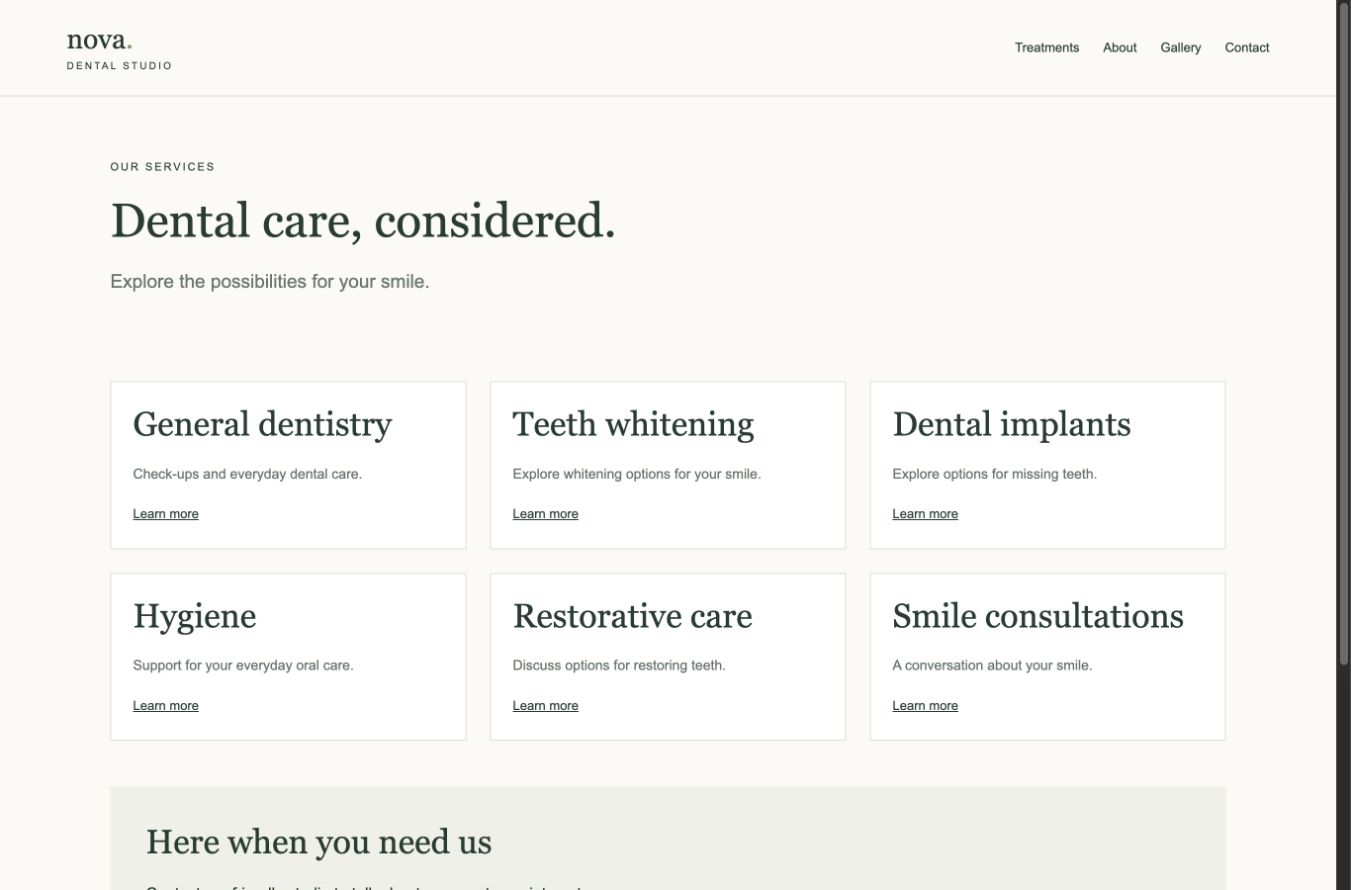
Writing page causes down as checkable evidence is what Prooflin’s Website Audit does for the public pages you choose. Its Marketing area reviews the offer, calls to action, trust near decisions and the conversion path; its UI/UX area works from desktop and phone-width captures. Each finding cites its evidence and carries a priority from P1 Immediate to P5 Monitor and a confidence level, and the report stays a draft until a person reviews it. Owners who don’t build sites themselves can see how that becomes a plain-language list of what to fix first.
Rank the causes by evidence, not by who spoke last
By now you may have five suspects and three people with opinions. Order the work by the strength of the evidence and what each fix depends on.
- Directly observed beats inferred. A booking button missing from the first phone screen is a fact; “visitors find the tone cold” is an interpretation.
- Cheap, high-confidence fixes go early. Nova’s sample starts with its two P1 actions, the mobile booking button and the contact-form labels: both directly observed, both low effort.
- Respect dependencies. The same sample won’t relabel the booking button until the clinic confirms where it leads.
- Work that needs the business’s own facts (prices, treatment details, qualifications) goes later, not never. Commission it; don’t invent it.
When the answer to “why is my website not converting” is several things
Usually, and the causes often share a root. Nova’s sample groups six findings across four pages (the homepage, the whitening page, the gallery and Contact) into one pattern: an incomplete path to an enquiry. The response is one agreed set of call-to-action labels and one verified map of where each leads, then a walk from each of those pages into Contact. One fix for the pattern beats six for the symptoms.
What to do this week
- Pull last month’s landing pages and Search Console queries, and count every enquiry, calls and emails included.
- Recalculate enquiries against visits to service, pricing and contact pages, and decide which bucket you’re mostly in.
- Send a test enquiry through every form and booking route on a phone, and confirm someone receives it.
- If the right people are arriving, write each page suspect down: the page, what’s there, the screen width.
- Make the directly observed, low-effort changes one at a time and date each. Hold the redesign conversation until you know what a redesign would fix.
Bringing in outside help for the page half? Agree the scope first: what a website audit should include sets out which questions a page review can answer and which belong to your own data.